Welcome to our shop! Thank you for visiting www.luvshop.ro!
In order to place an order efficiently, you need to create a customer account based on your email address and password. Choose the customer group that suits you, individual or legal entity. You can also place an order without registering with a customer account by choosing the "guest" option, but for a future order you will have to re-enter your data completely. We recommend you to create a customer account in order to benefit from promotions and campaigns, for information on the product offer and to access your order history or to shorten the time it takes to launch an order based on the data already in the system.
If you would like to be added to the resellers list, please contact us by:
E-mail: luvshop.ro@gmail.com or office@luvshop.ro
Call or WhatsApp: +40 742 881 177
The online ordering process on luvshop.ro is affordable, secure and efficient. Discover below the steps you need to follow to place an online order from our website.
How do I find the product I want?
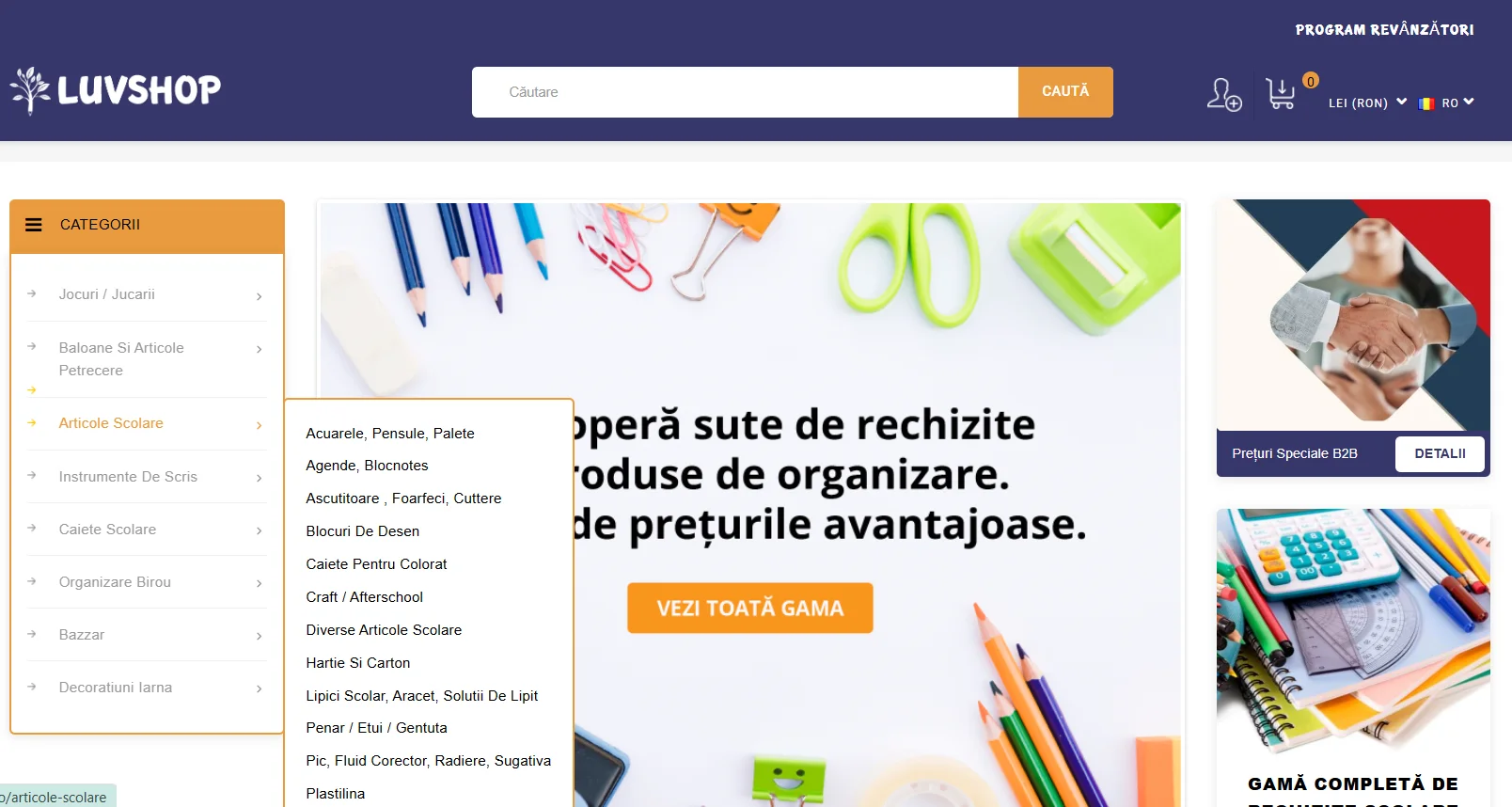
1. To choose the desired product you can navigate in the category bar directly to the desired subcategory:
2. You can find the product you want by using the search bar: type the product name and press Enter or click Search to display the available variants. 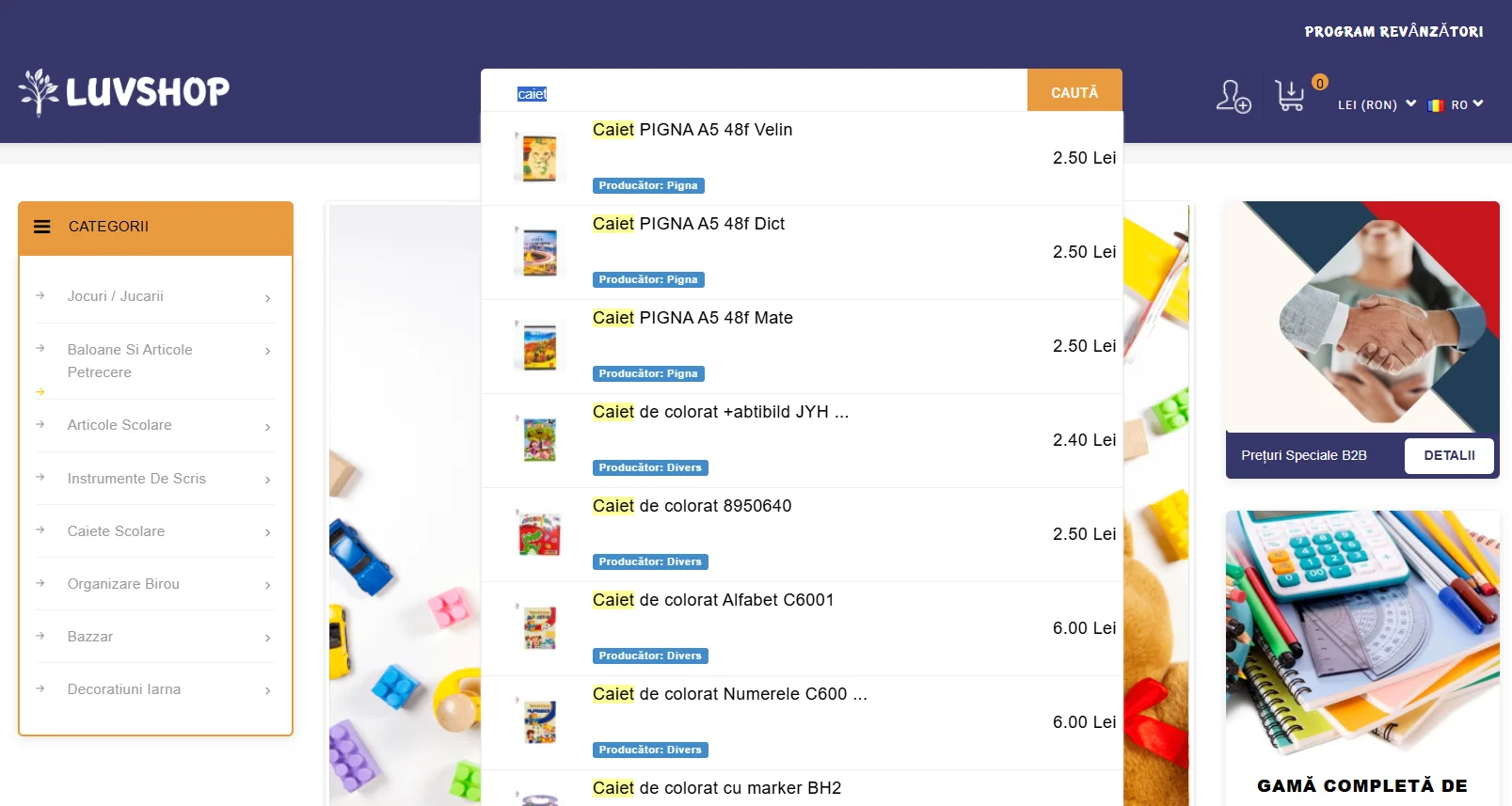
How do I add an item to my cart?
Once you see a list of the product you want and other similar products, navigate to the Add to cart button below the product price.
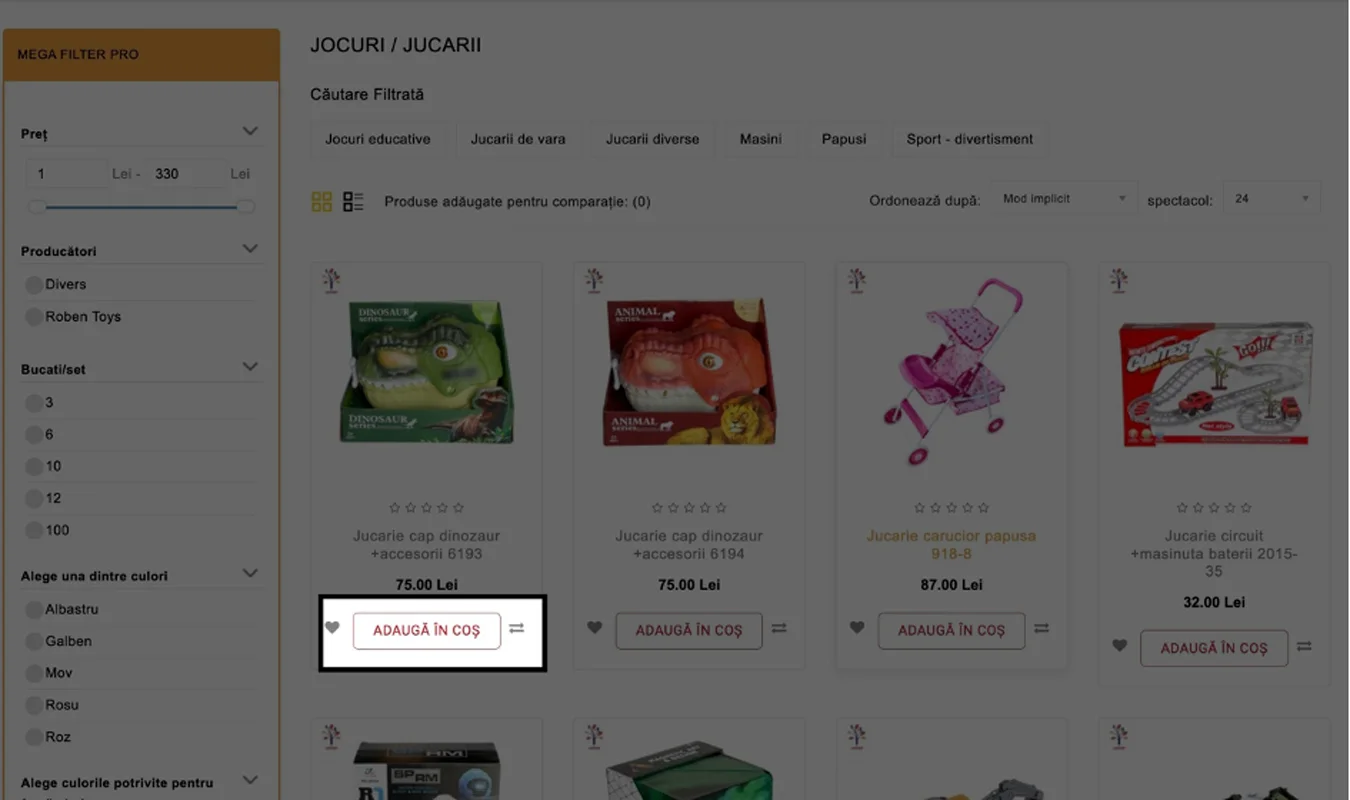
Adding the product to the shopping cart will be signaled by a black band with a green tick at the top of the page: 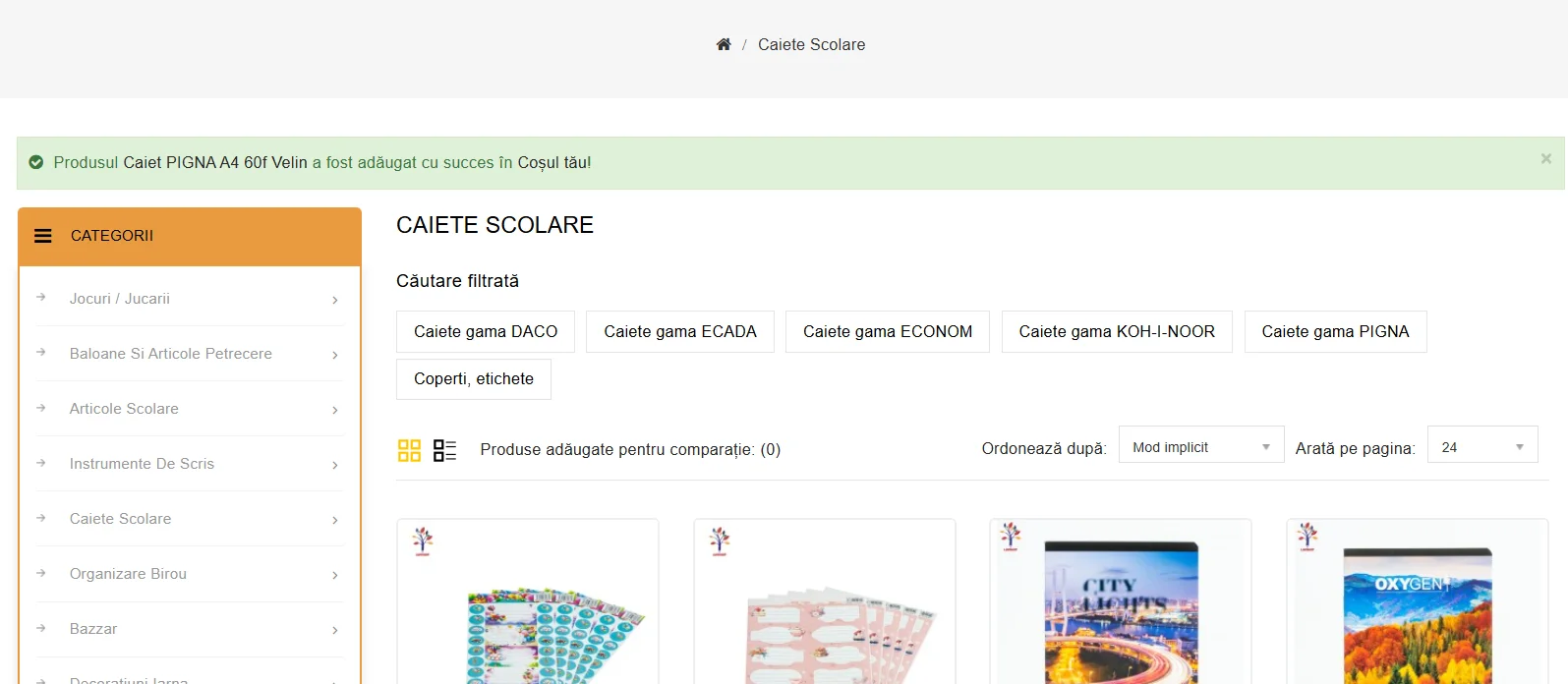
How do I access the shopping cart?
You can access the shopping cart from the top right-hand side of the page by clicking on the shopping cart icon. This will display 2 options:
1. View cart: here you can see the products added to your shopping cart and you can change the desired quantities (including removing products from the cart)
2. Checkout: finalize your order which will take you directly to the recipient details page.
How do I place an order?
Once you are on the checkout page, you have the option to place your order as a logged in user or as a visitor (no need to create an account on our website).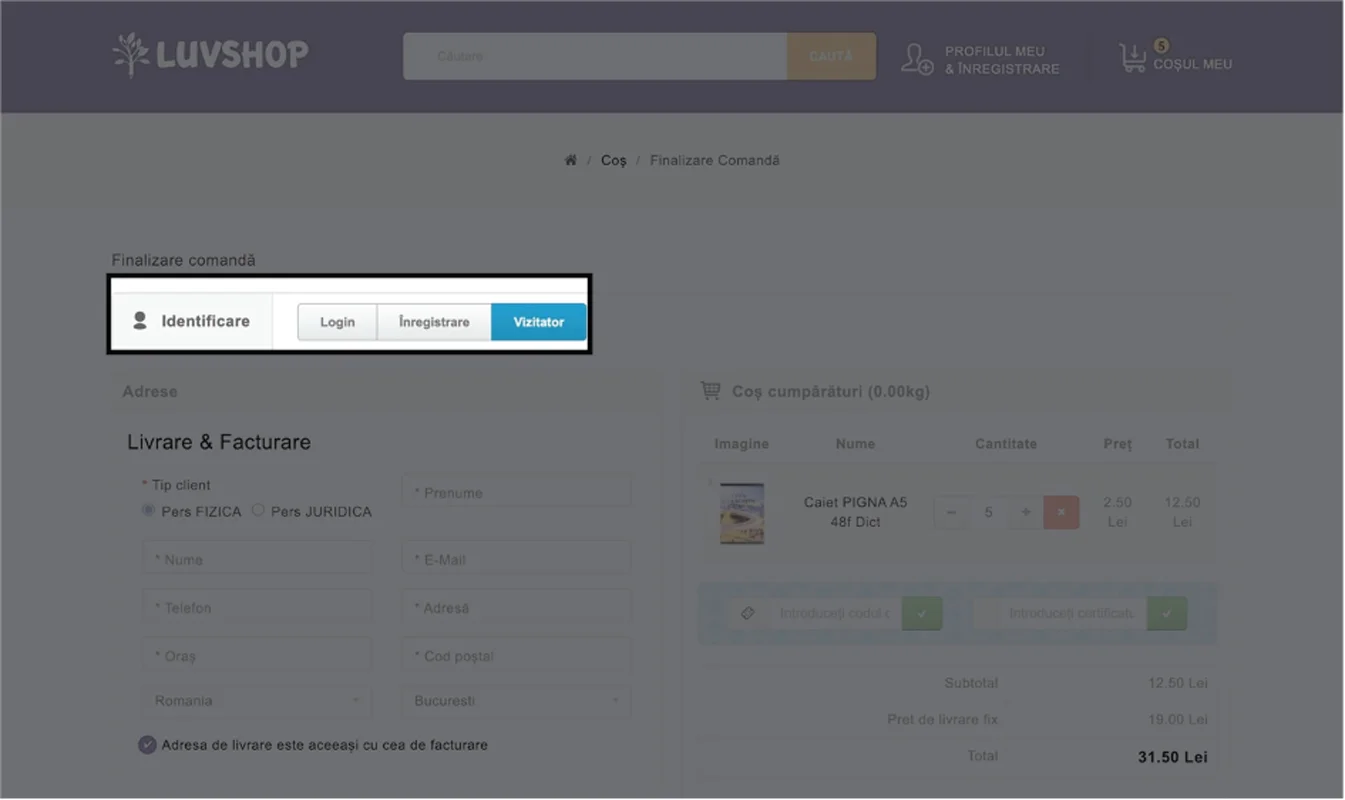
After this step, you will choose one of the delivery methods from our website:
1. Delivery by courier - the parcel will be delivered to the address you fill in by one of our courier partners.
2. Easybox delivery - the parcel will be sent to one of the Sameday delivery points via the easybox of your choice.
-
After choosing the delivery method, you can choose one of the available payment methods by ticking the desired method: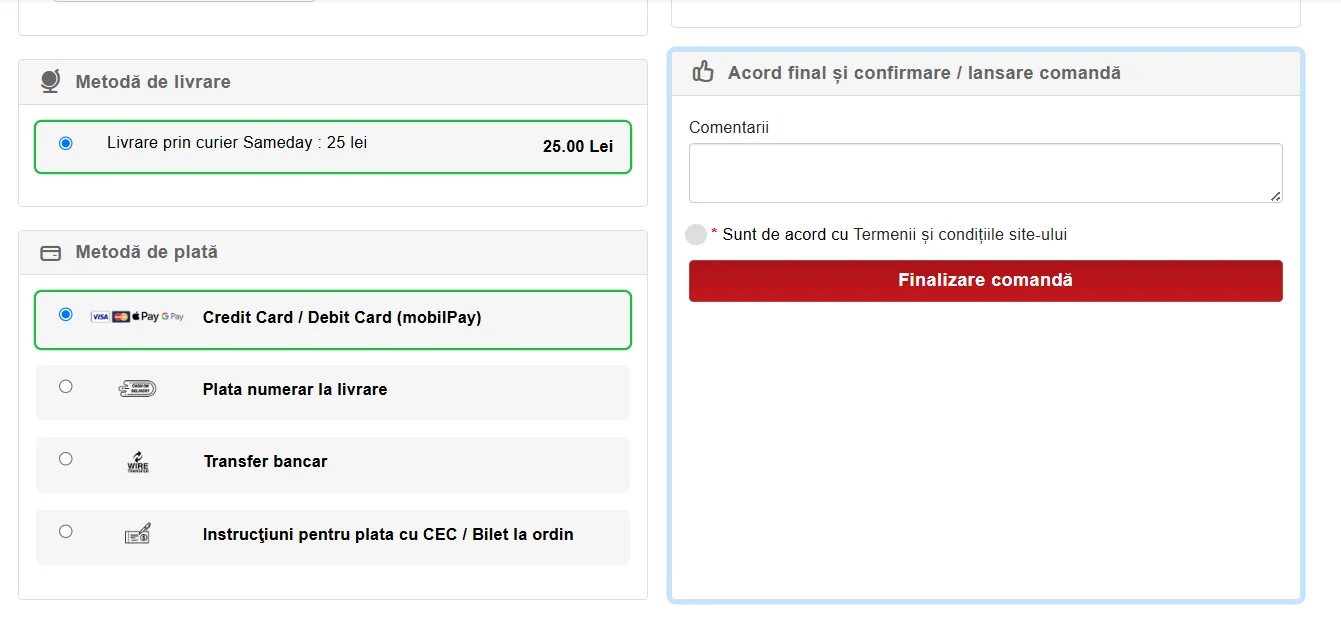
If there is any additional information you would like to share with us, you can add it in the 'Order notes' box.
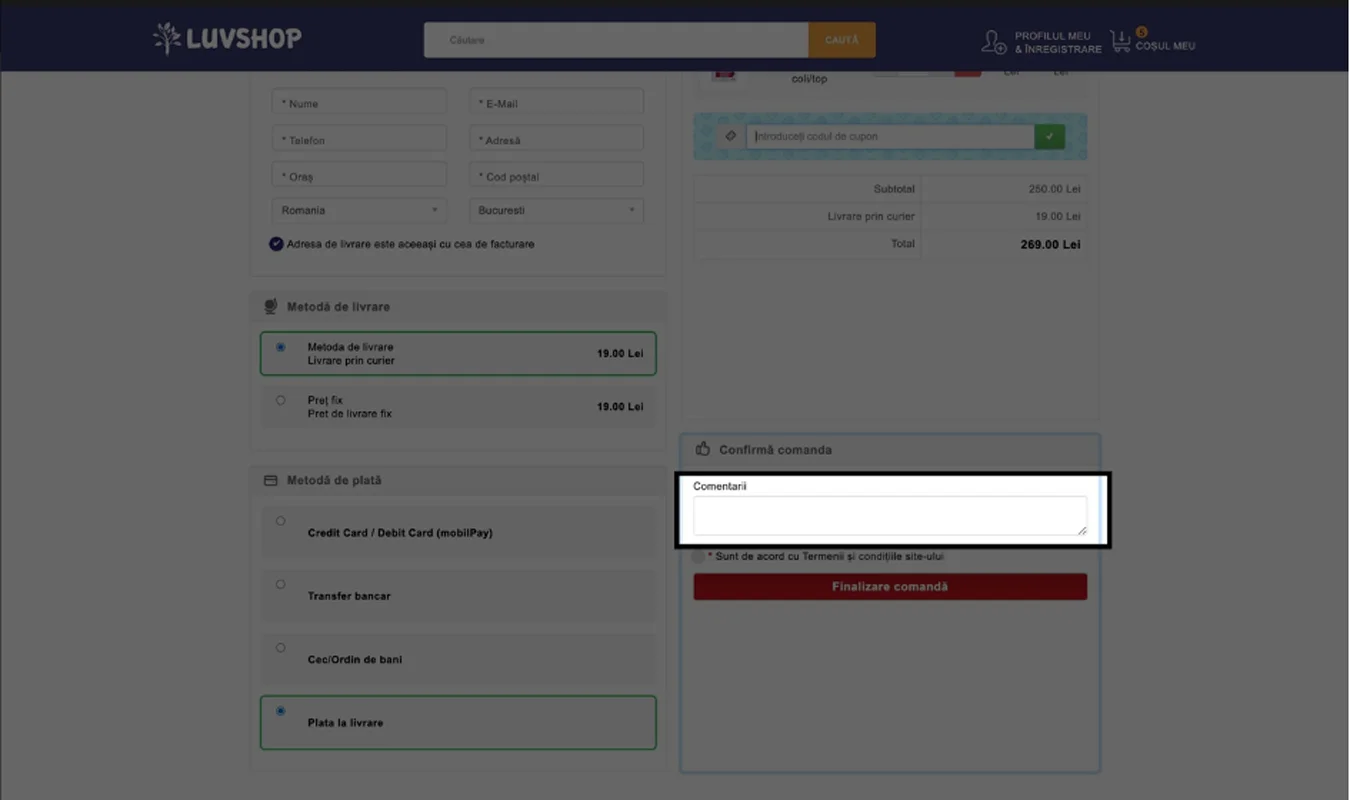
To finalize and place your order, click the "Place order" button.
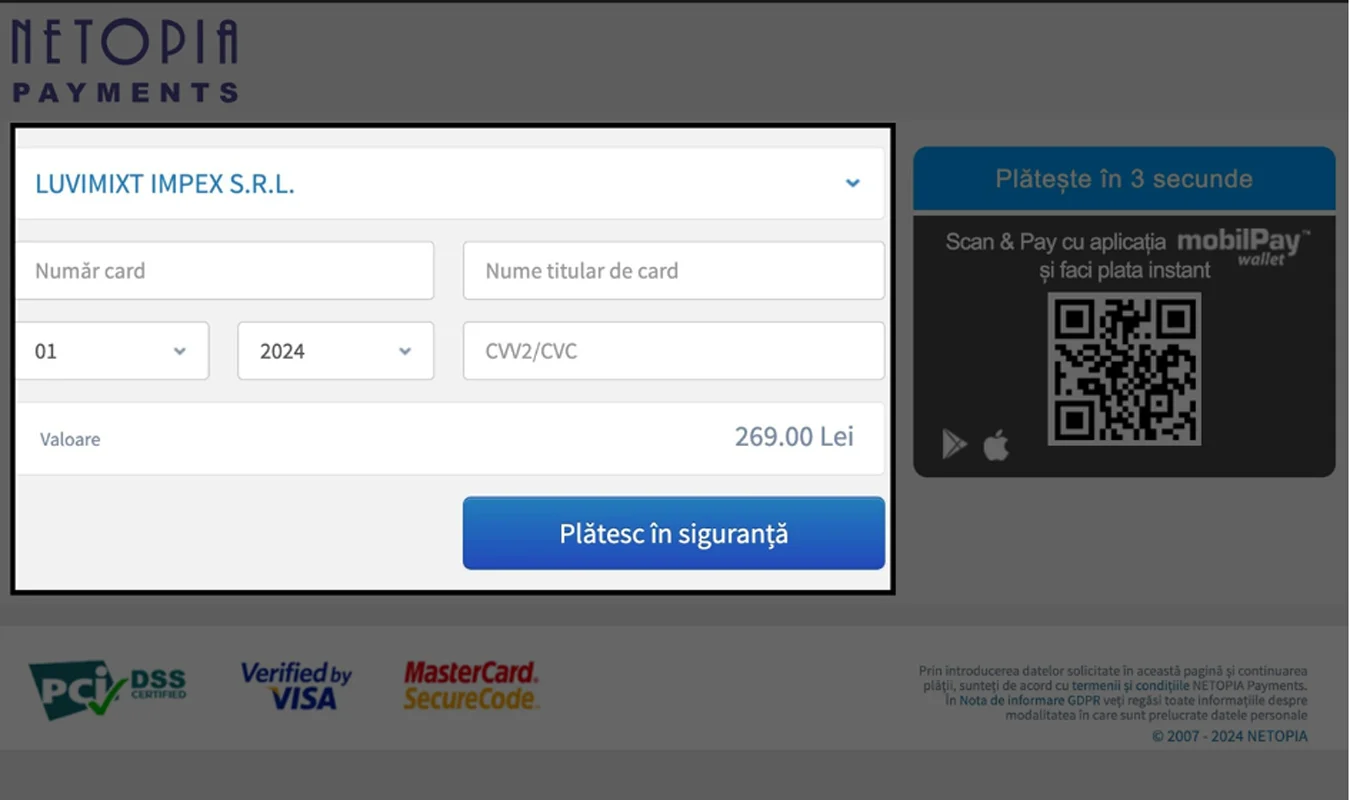
If you have chosen to pay by credit card, you will be redirected to the Netopia payment page to fill in the fields with your card details once you press the "Place order" button. After filling in your bank card details correctly, press the "Pay securely" button and follow the steps indicated on the screen. Once the bank card payment is accepted, the order will be confirmed automatically.